MT4 and MT5 Trading Journal: Analyze Your MetaTrader History
How to export your trading history from MetaTrader 4 and MetaTrader 5, what the built-in reports miss, and how to analyze forex and CFD trades in a journal.
By the TradeThink team··3 min read
MetaTrader 4 and MetaTrader 5 are among the most widely used platforms for forex and CFD trading. They record every trade, but their built-in reports are limited. Moving your history into a trading journal lets you see much more.
What MetaTrader's report gives you
The account history report in MT4 and MT5 includes the list of closed trades and basic totals: net profit, gross profit and loss, profit factor, number of trades, the largest win and loss and drawdown figures. It is a good start, but it does not tell you:
Which setups or strategies made money.
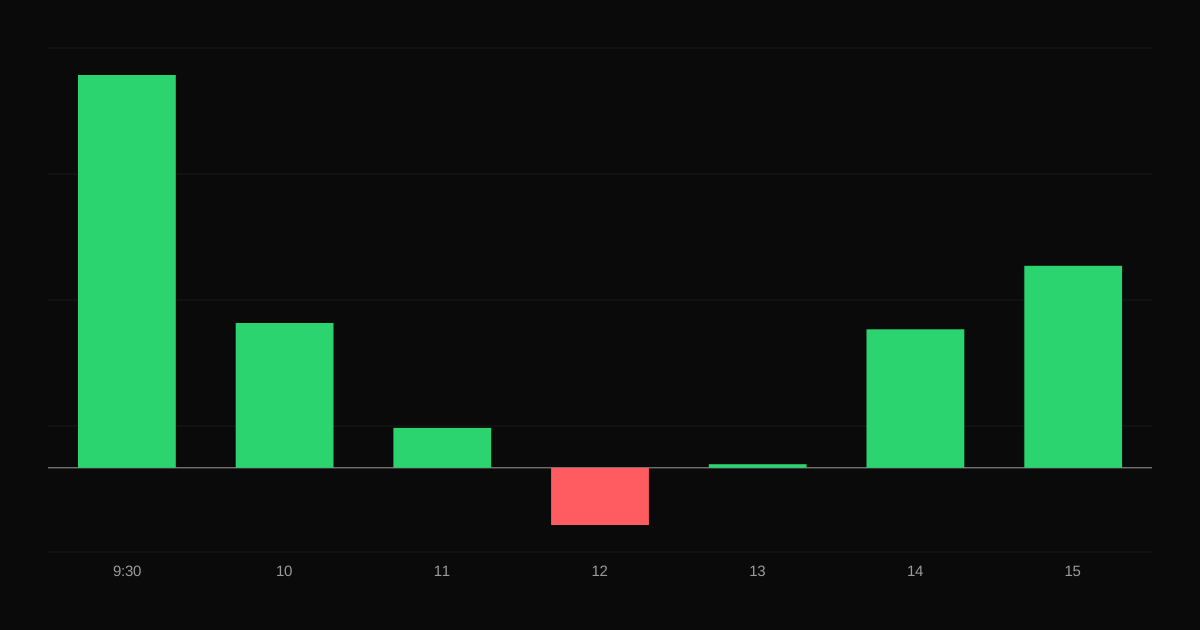
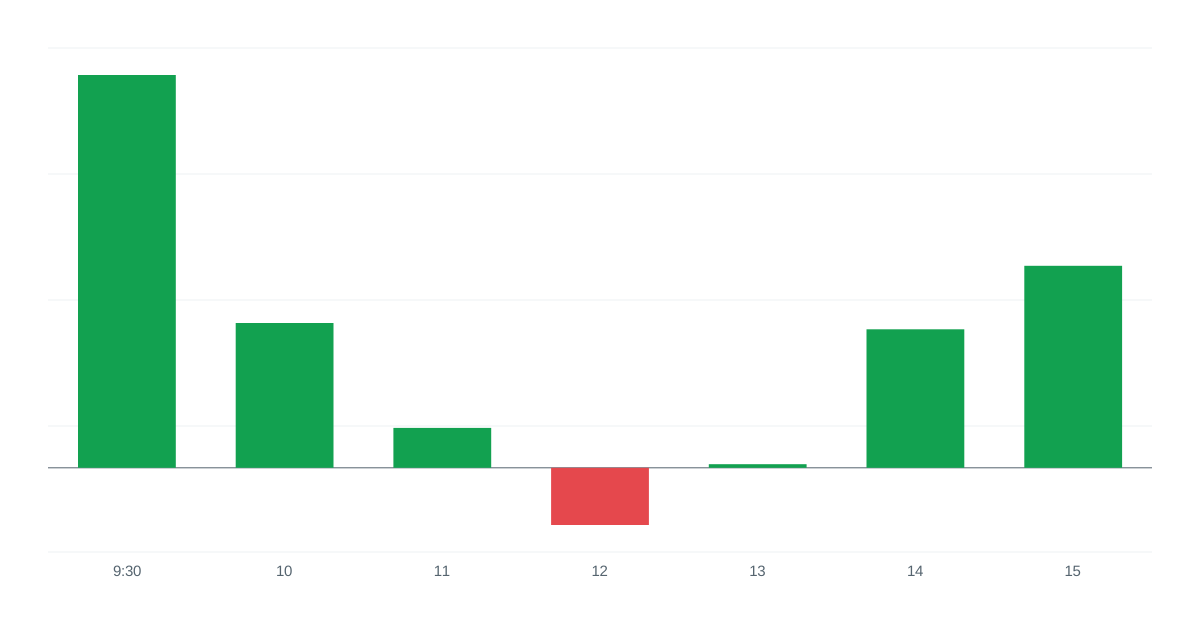
How you perform by hour, day or session.
Results by mood, mistakes or plan adherence.
Your R-multiples and expectancy in R.
How each trade looked on the chart.
How to export your history
In both MT4 and MT5:
Open the History (MT4: Account History; MT5: History) tab in the Terminal or Toolbox.
Choose the period, such as all history or a custom range.
Right-click and save the report. MT4 offers a detailed HTML statement; MT5 offers HTML or Excel-compatible reports.
The exact menus vary by version and broker. TradeThink's MT4 and MT5 import guides walk through each step.
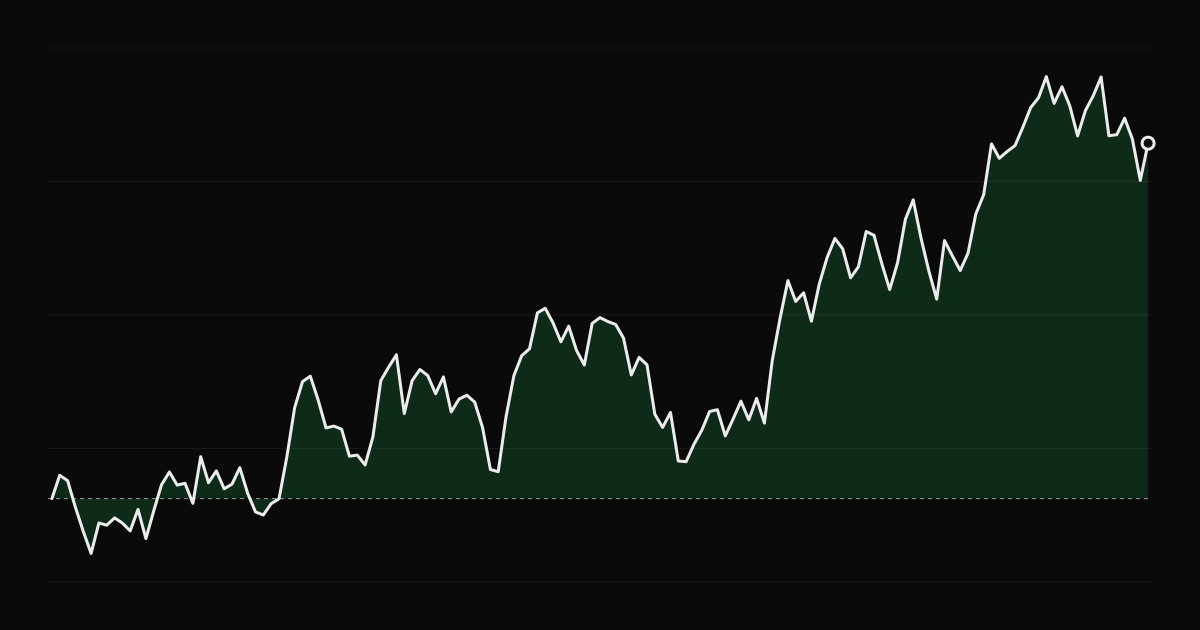
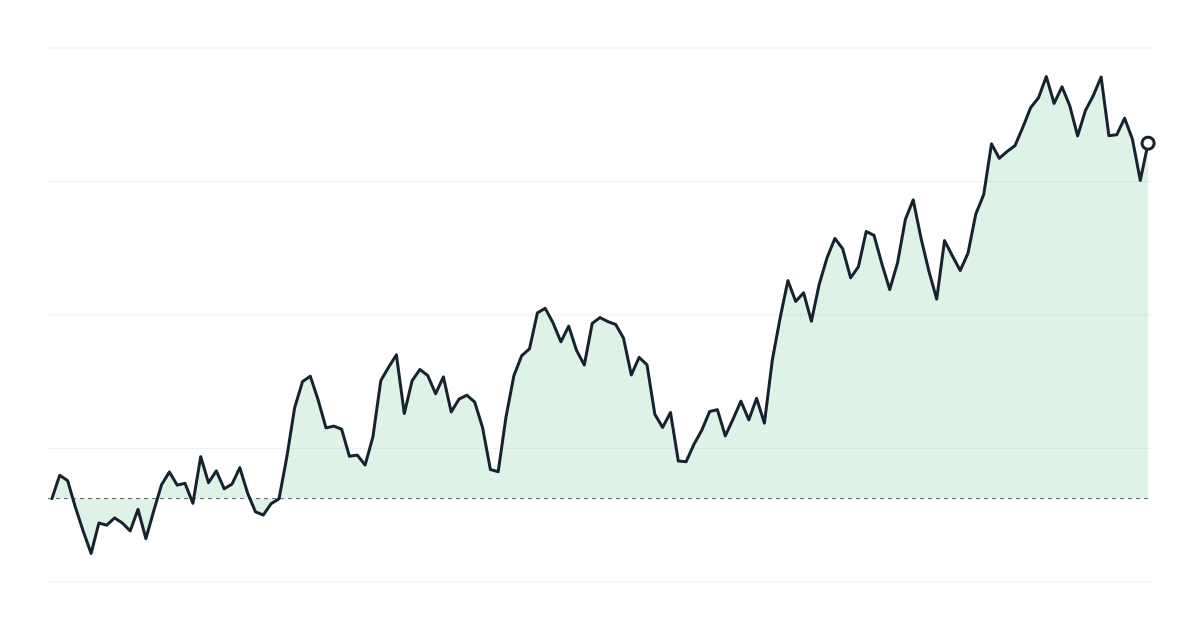
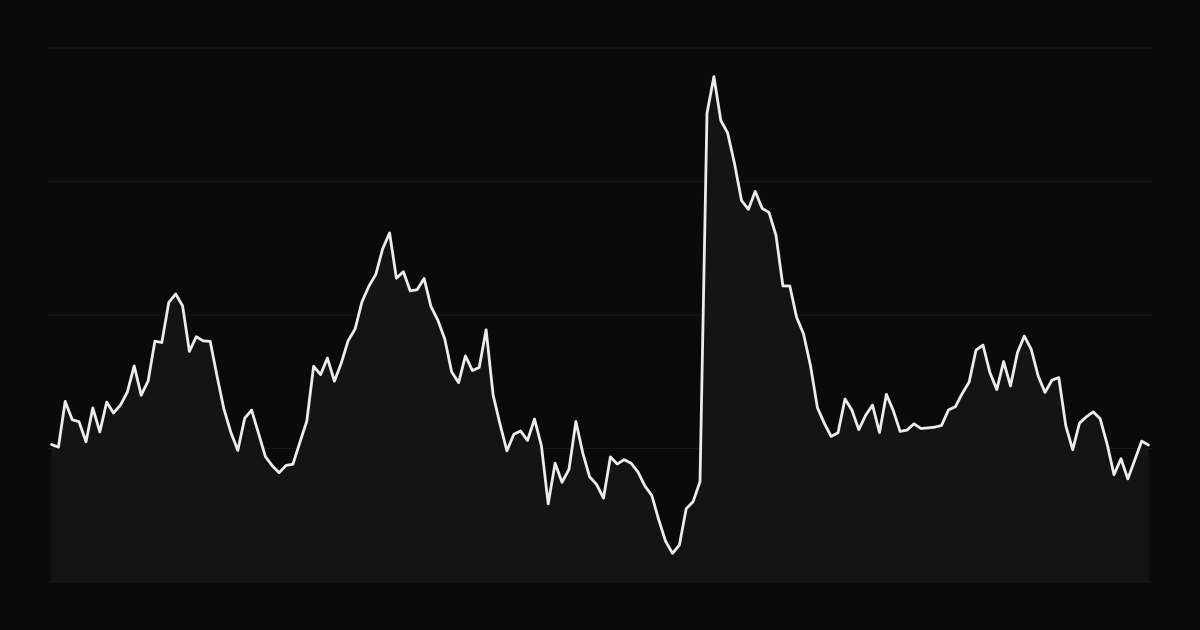
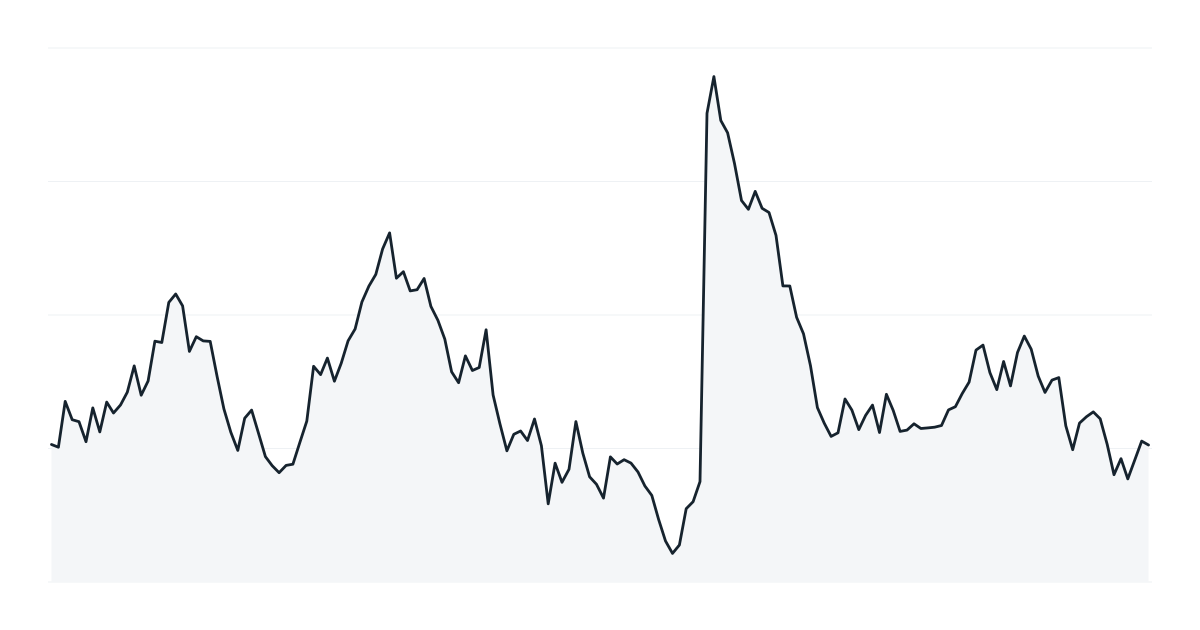
Once imported, your MetaTrader history becomes an equity curve you can break down by setup, session and more.
MetaTrader reports size in lots. A journal should convert lots and pips into money in your account currency, with commissions and swaps attached. See forex pips and lots.
In TradeThink
Import MT4 or MT5 statements from the import page; trades from forex and CFD symbols are recognized automatically. Results appear on the dashboard, calendar and reports, with your journal next to them. Related: CFD trading explained.
How to journal crypto trades across exchanges, handle fees paid in different coins, funding payments and 24/7 markets, and which metrics matter for crypto traders.
Why futures need to be rolled, how to identify the roll period, calendar spreads, the costs of rolling, and how rollover affects your charts and journal.
The Sydney, Tokyo, London and New York forex sessions, when they overlap, how volatility changes through the day, and how to find the session that suits you.