Trading journal
How to Tag Your Trades: Setups, Mistakes and Market Conditions
A simple tagging system for your trading journal that makes it easy to see which setups make money and which mistakes cost the most.
The pros and cons of tracking trades in Excel or Google Sheets versus a dedicated trading journal, and when it makes sense to switch.
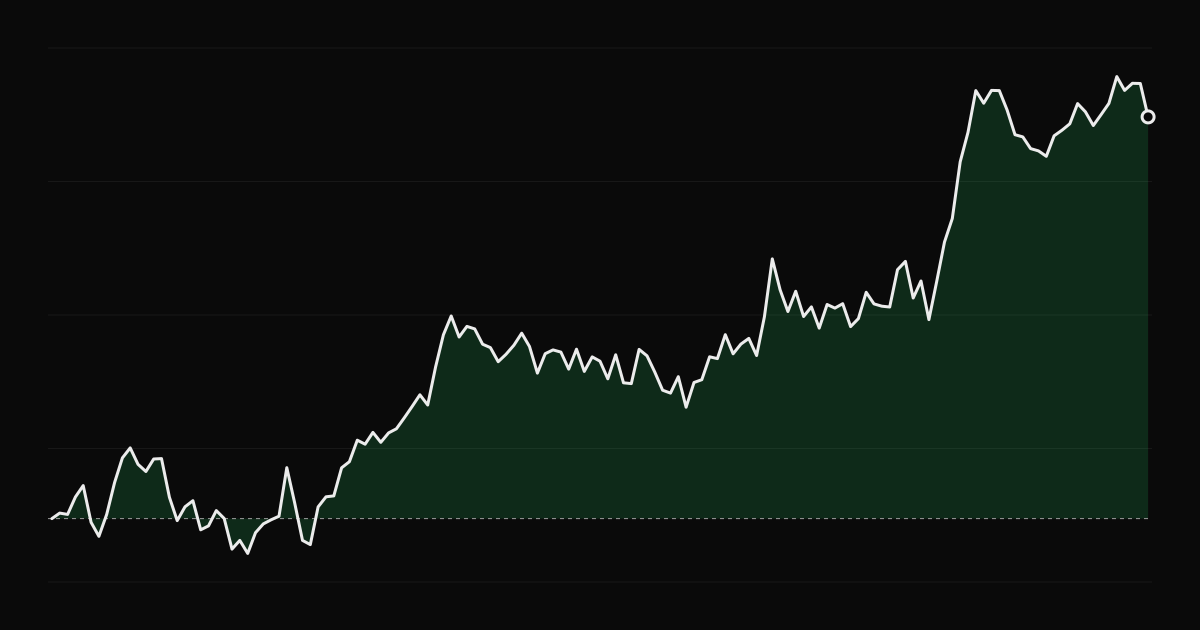
Many traders start their journal in a spreadsheet. It is free, flexible and familiar. Some keep it for years. Others hit a wall after a few hundred trades. Here is an honest comparison to help you decide.
For a swing trader making a few trades a month, a spreadsheet can be all you need.
Data entry. Typing every fill by hand is slow and error-prone. Copying broker exports means cleaning dates, symbols and partial fills every time. Errors in a few rows quietly distort every statistic.
Partial fills and scaling. A trade with three entries and two exits is one trade, not five rows. Grouping fills into trades correctly, with average prices and fees, is hard in a spreadsheet.
Options and futures. Multipliers, multi-leg spreads, expirations and assignment make formulas complicated fast.
Analysis. Results by setup, by hour, by weekday, by holding time, by mood: each one is a pivot table you have to build and maintain. Metrics like Sharpe, maximum drawdown or MAE and MFE need their own formulas.
Charts of the trade. A spreadsheet cannot show you the price chart with your entry and exit marked.
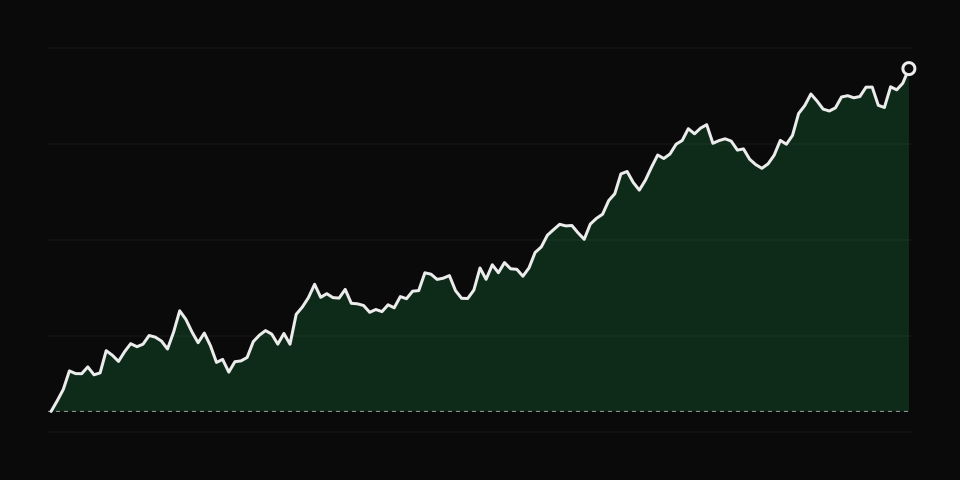
Consider moving from a spreadsheet when any of these is true:
You do not have to choose one or the other forever. Most journals, including TradeThink, import CSV files and export your data back to CSV, so you can keep doing custom analysis in a spreadsheet when you want to. Start with the journal template either way, and focus on the part that matters: reviewing your trades.
A simple tagging system for your trading journal that makes it easy to see which setups make money and which mistakes cost the most.
A step-by-step pre-market routine and checklist for day traders: market context, watchlist, levels, risk limits and a mental check before the open.
The questions to ask after each trade and each session to separate bad luck from bad decisions, with examples of honest answers.